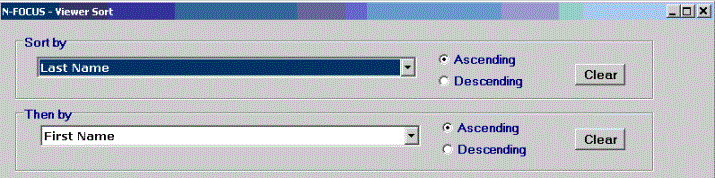
The Viewer Sort window consists of 6 combo boxes, each listing the columns available for sorting, and associated radio buttons indicating whether the sort should be ascending or descending. The Clear button in each group box clears the sort item selected in that group, and resets the sort order to ascending. The Clear All button at the bottom of the window clears all sort items selected.
Any item used to group the information in the document will also be in the Viewer sort window, but will be disabled since the grouping cannot be changed.
Clicking the OK button applies the new sort to the document, and re-displays the document in the viewer.
(07-10-06)